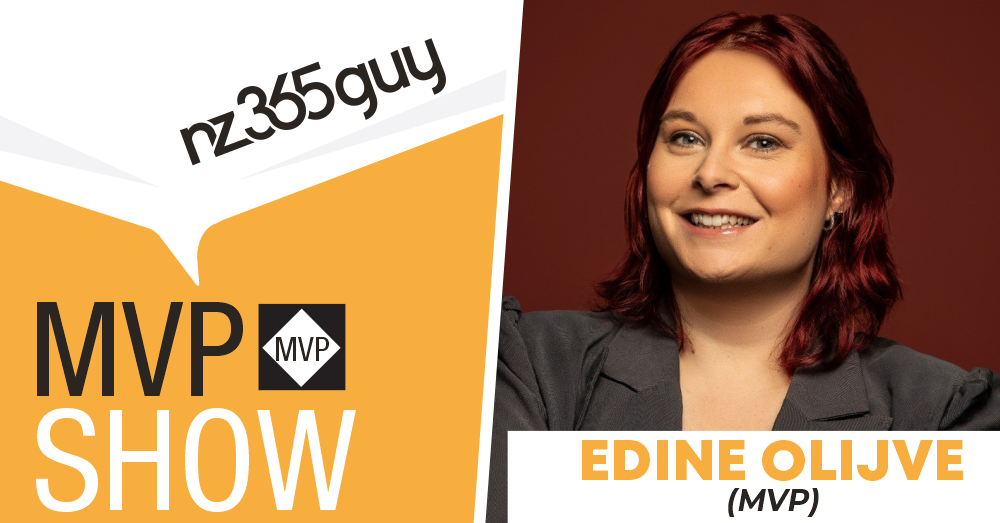
Your AI Intern: Unlocking Daily Productivity with Copilot
Edine Olijve‑Watkinson







Your AI Intern: Unlocking Daily Productivity with Copilot
Get featured on the show by leaving us a Voice Mail: https://bit.ly/MIPVM
In this episode, Edine Olijve-Watkinson explores practical ways Microsoft 365 Copilot, Loop, Planner and emerging AI agents improve daily productivity, collaboration and decision making. It highlights real use cases, evolving tools and the shift toward AI supported workflows across organisations.
🎙️ Full Show Notes
https://www.microsoftinnovationpodcast.com/796
👉 What you’ll learn
• How Microsoft 365 Copilot supports personal efficiency
• How AI agents extend productivity across meetings and workflows
• How Loop, Copilot pages and notebooks support flexible collaboration
• How metadata and information architecture improve Copilot performance
• How professionals can upskill across Copilot Studio, agents and Azure AI Foundry
✅ Highlights
• “My area of specialty is Microsoft 365 and then especially the collaboration and the productivity side of things.”
• “We see a lot of shifts towards agents.”
• “Using Microsoft 365 Copilot for personal efficiency, just as your little personal intern.”
• “The facilitator agent… joins your meeting and keeps track and then takes your meeting notes for you.”
• “The knowledge agent is also very good at adding metadata columns to your SharePoint sites.”
• “I completely started to learn where Loop stores something, how you can retain it, how you can save it.”
• “I use Loop in your daily work, and not just Loop, but also Copilot pages and Copilot notebooks.”
• “You can make some really nice infographics with it.”
• “Everything you create gets created in your company’s style.”
• “I definitely want to learn how to use agents more in my workflow.”
• “I also want to dive deeper into Azure AI Foundry.”
• “It was completely new to me… I never really touched Azure in any way.”
🧰 Mentioned
• Microsoft 365 - https://www.microsoft.com/en-us/microsoft-365
• SharePoint - https://www.microsoft.com/en-us/microsoft-365/sharepoint/collaboration
• Microsoft Copilot - https://copilot.microsoft.com/
• Microsoft Copilot Studio - https://www.microsoft.com/en-us/microsoft-365-copilot/microsoft-copilot-studio/
• Azure AI Foundry - https://ai.azure.com/
• Microsoft Loop - https://www.microsoft.com/en-us/microsoft-loop
• Microsoft MVP YouTube Series - How to Become a Microsoft MVP - https://www.youtube.com/playlist?list=PLzf0yupPbVkqdRJDPVE4PtTlm6quDhiu7
✅ Keywords
microsoft 365, copilot, agents, loop, planner, sharepoint, metadata, productivity, azure ai foundry, collaboration, meetings, workflows
I'm Mark Smith - nz365guy - Helping people reach their full potential I have been a Microsoft Business Applications MVP for over 14 years.
I am passionate about helping people reach their full potential, through training, coaching and mentorship.
Accelerate your Microsoft career with the 90 Day Mentoring Challenge (https://www.90daymc.com/)
Support the show (https://www.buymeacoffee.com/nz365guy)
If you want to get in touch with me, you can message me here on LinkedIn (https://www.linkedin.com/in/nz365guy).
Thanks for listening 🚀 - Mark Smith
00:00 - Stepping Into the World of Microsoft 365 Expertise
04:10 - The Rise of Copilot as Your Daily Productivity Intern
05:49 - Agents Are the Next Big Shift in AI‑Powered Work
06:26 - Unique Copilot Use Cases Transforming Teams
07:49 - Loop, Pages, and Notebooks: The New Collaboration Backbone
12:50 - Showcasing the Make Components: Infographics, Brand Kits, and More
14:39 - Upskilling for the Future: Agents, Azure AI Foundry, and Smarter Tech Choices
00:00:06 Mark Smith
Welcome to the MVP show. My intention is that you listen to the stories of these MVP guests and are inspired to become an MVP and bring value to the world through your skills. If you have not checked it out already, I do a YouTube series called How to Become an MVP. The link is in the show notes. With that, Let's get on with the show. Welcome back to the MVP Show. Today's guest is from Haran in North Holland. Edine, welcome to the show.
00:00:43 Edine Olijve-Watkinson
Good morning. Well, good evening to you, or good morning to me. Hello, Mark.
00:00:47 Mark Smith
So good to have you on. I often, you know, I've spent some time in the Netherlands, so I'm familiar with it a bit. A couple of cities I've been there. I've never been to Holland, though.
00:01:00 Edine Olijve-Watkinson
No. Where have you been?
00:01:02 Mark Smith
Amsterdam, of course. And then what's the, is it the Hague? I've been to the Hague. Yeah. Those are the two main places I've spent my time while in the Netherlands. And I mean, I went to Amsterdam like at least five times. Yeah.
00:01:20 Edine Olijve-Watkinson
No, I'm not too far from Amsterdam. It's about 13 minutes by car to the north of Amsterdam.
00:01:26 Mark Smith
So let's kick off with food, family, and fun. What do they mean to you?
00:01:32 Edine Olijve-Watkinson
Well, my family is my husband, Lloyd. He's from England. I met him online in a video game a couple of years ago, and it's miraculously worked out. Yeah, it's a strange version of online dating, but it worked out great for us. We got married two months ago.
00:01:50 Mark Smith
Awesome. Congratulations.
00:01:53 Edine Olijve-Watkinson
Thank you. And we'll live together in the Netherlands with our two dogs and three cats. And we love food. My husband loves cooking and he loves experimenting with all sorts of food. We also have a Komado BBQ that we really love to spin up and make some really good smoked and low and slow food.
00:02:17 Mark Smith
And so are you still gaming a lot?
00:02:20 Edine Olijve-Watkinson
I'll try to squeeze at least an hour in a day where possible. It's becoming more and more difficult after, well, becoming an MVP and there's so many other fun things to do because of it. But I still try to squeeze in a couple of hours on the weekend and about an hour a day just to just to run down the list. I'm currently playing World of Warcraft. I've been playing World of Warcraft for so many years, actually. And I have a Nintendo Switch too, obviously with Donkey Kong and Kirby and the pokémon games. The Switch is a great little tool to just, you know, play a little bit in bed or play a little bit on the sofa. Nice.
00:02:59 Mark Smith
I think I've gone over a year now without doing any gaming. And I've got a big machine set up next to me with a, you know, high-spec graphics card and, you know, a crazy amount of RAM and everything. But I just... haven't had a chance. It's just, you know, you're right, you get busy, and then, yeah, that's good that you're able to still continue to work it in to your lifestyle.
00:03:24 Edine Olijve-Watkinson
Yeah, there's just so many fun things to do. And I have the proper gaming machine as well. So I always find it fun to just put a computer together, even though it's becoming easier with every single generation.
00:03:36 Mark Smith
So tell me about your area of specialty in tech. What is it?
00:03:42 Edine Olijve-Watkinson
My area of specialty is Microsoft 365 and then especially the collaboration and the productivity side of things. So I think Teams, SharePoint, Copilot, Loop, Planner, To Do, Outlook, basically anything an end user would use in their daily workflow.
00:04:01 Mark Smith
Nice. And has that meant in the last couple of years there's been a greater focus on Copilot?
00:04:10 Edine Olijve-Watkinson
Definitely. basically at least two days a week I do copilot related work. And that's just for customers. I work as a consultant. But we also work on making our own products and our own, well, trying the new tech out for ourselves before we recommend it to customers, which is also a... Really fun.
00:04:38 Mark Smith
Nice. So in the Copilot space, with the work you do with customers, what's the main focus? What type of work is it?
00:04:49 Edine Olijve-Watkinson
I guess the main focus, it's basically on three different subjects, and they're pretty equal. It's using Microsoft 365 Copilot for personal efficiency, just as your little personal intern that can help you out throughout the day. But we also see a lot of shifts towards agents. And then both the, all those quotes, the easier to implement agents from Copilot with Copilot Studio, but also a lot of requests for the more difficult ones using Azure AI.
00:05:22 Mark Smith
So are you working in the Foundry side as well?
00:05:26 Edine Olijve-Watkinson
I'm not working in the Foundry side, but I do make sure I know enough about it to be an advisor for the customers. But I will, if there's a, if we have an inspiration or a workshop day with a client, we will always make sure that one of us knows about Copilot and Copilot Studio and one of us knows about Azure AI Foundry so that we can just to be a better source of information for the customer. Because I do think they go hand in hand and they make each other better.
00:05:55 Mark Smith
I like that. Tell me. I'm interested in drilling into the area that you said around like having your own little intern for productivity and things like that. Like what are the use cases people are using it for that you see most commonly? You know, in the early days we saw, you know, obviously Teams and summarizing meetings. How far have you gone beyond that? And what are you seeing some perhaps even more unique ways that people are using the technology to help them in their work.
00:06:26 Edine Olijve-Watkinson
Obviously, you still see the version for Teams a lot, summarizing meetings, especially now with a new facilitator agent, the one that actually joins your meeting and keeps track and then takes your meeting notes for you, takes the follow-up points, reminds you of your meeting agenda in the top bar of your meeting, also in your chat. and just keeps track of the time of the meeting for you. We see that one a lot because we really like the facilitator agents. But yeah, let's think about the more unusual use cases. We started using the knowledge agent a lot. It's currently in public preview. But the knowledge agent is also very good at adding metadata columns to your SharePoint sites. It's basically making your information architecture better. That one is something I'm really excited about, especially now that Copilot uses metadata in its grounding, which makes SharePoint the next big thing to improve on to make sure your Copilot is better.
00:07:42 Mark Smith
Tell me about Loop, because I noticed on your MVP profile that Loop was mentioned.
00:07:49 Edine Olijve-Watkinson
Yes, Loop is mentioned. In the starting days of Loop, I got a lot of questions from customers, especially from government customers, how Loop works and especially where they store their data. Because governments have to comply with all sorts of expert rules when it comes to data storage and data retention. So I just made-up my thing and I dove into it and I completely started to learn where Loop stores something, how you can retain it, how you can save it or how you can delete it after a amount of time, what the permissions are. And that got me invited to a lot of user groups to tell me about it. So I went from a less than loving relationship with Loop to as the product got better and started getting more development love. I started to like Loop because I now knew it's, I knew a lot more about it. now I start to, now I'm talking about how I can... I use Loop in your daily work, and not just Loop, but also Copilot pages and Copilot notebooks. They're from the same product team.
00:09:00 Mark Smith
I personally love it. I have that many Loops. It's not... I organize my entire... I used to be very big into OneNote, and now I do not touch OneNote at all. I run everything from Loop, and even I'm using it to store a lot of my complex prompts. So, when I say a complex, so I like to write my prompts in Markdown and the code function and loop allows me to select Markdown and I get to visually see all the coloring. And like I will have, you know, I love the expanding menu, you know, menu options and you can nest data. So I will have, let's say, a three-part prompt with a code block for my first execution. After that's run and I've got output, then I'll do my next. And I keep refining them, so I'll hand those back in over time as the models change, et cetera, and improve on them. And yeah, they just get better and better and better. And of course, I have one that knows my voice, how I talk, how I say stuff, what I like from a grammar perspective, and I just find Loop amazing for that.
00:10:20 Edine Olijve-Watkinson
Yes, it is really good for that. We personally, and I personally, use it a lot when it comes to the little ad hoc projects that we have at work. So not the structured projects, but the ones that we have amongst ourselves. And it's just a good place to store information, share a page with someone, or just share a little piece of the Loop page with someone. without them having to access the entire work page, you can just share it in the chats and have them edit it. Yeah, it's great.
00:10:47 Mark Smith
Yeah, super good. What about Planner? I see you also do stuff with Planner. Is that a, like I always get, you know, do I use the kind of the planning function that is in Loop? You know, it's one of the components that you can use, or do you go out to Planner and My biggest bugbear with Planner that it misses is that on individual tasks, you can't assign them to individual people. You can do the whole card, but not down to the task level. Well, since I've last used it.
00:11:22 Edine Olijve-Watkinson
That might be your definition of a task. You can assign a task to individual people, but there's a bullet point. Yeah, the checklist items.
00:11:30 Mark Smith
I want to assign checklist items to individuals.
00:11:35 Edine Olijve-Watkinson
Yes, no, you cannot do that yet. Well, as of now, let's just say you cannot do that as of now. I did, I did join a, I did join a session from Microsoft yesterday and there are really exciting things coming to Planner that I obviously can't talk about yet. But yeah, no, things are looking good for Planner. It's getting some really, it's really getting a lot of love.
00:12:01 Mark Smith
So good.
00:12:03 Edine Olijve-Watkinson
Yeah, yeah, really stay tuned for Ignite and all the updates about Planner because it's going to be great.
00:12:08 Mark Smith
When it comes to M365 Copilot, are there any of the in-app experiences that you would showcase more than others? In other words, for example, I never showcase Copilot in PowerPoint, but I would showcase it in Word, I'd showcase it in Excel, in Whiteboard, in Microsoft Forms, brilliant. Just people are blown away with how quickly you could create a survey on a specific topic and things like that. But is there any kind of ones that you hero in what you do?
00:12:50 Edine Olijve-Watkinson
I recently started heroing the Make components in the 365 Copilot app. It's basically Microsoft versions of Designer. And I've always really liked it because you can make some really nice infographics with it. And obviously, you can create your images with it. Customers don't really click through the M365 Copilot app, and it's completely new to them. Especially the infographic creation in the make component is what really gets a lot of, oh, wow. a really good reaction, basically because they're not images. They are generated infographics with actual text boxes that you can adjust. And you can export it from the Make app as a PowerPoint slide. So you can use it directly in your presentations. And you can create a brand kit, and someone with a brand creator role can generally, can centrally create your own brand colors and your own brand's fonts. So everything you create gets created in your company's style, which is, that's something that everyone really gets excited about. So that's got a standard place in my showcasing now.
00:14:10 Mark Smith
Nice. I like it. I like it. What's your focus over the coming months from a... upskilling perspective in this in the AI space like what do you got like you know what have you kind of said in your mind I want to spend more time learning this or or that or you know I want to be at this point I want to have learned some maybe new technology area or new ways of working with AI what what's it for you?
00:14:39 Edine Olijve-Watkinson
I think it's a bit of both. I definitely want to learn how to use agents more in my workflow, because I think that's the next big thing when everyone has their own virtual colleague in the form of an agent. But I also want to dive deeper into Azure AI Foundry, because like I said at the start of the podcast, I believe Azure AI Foundry and copilot Studio and Microsoft 365 copilot, they're all good for very separate use cases. I believe you should always look at the use case and not at the technology needed. And I would definitely want to know more about all three of those so I can make the smart and informed recommendation of technology that someone should use for a certain use case.
00:15:30 Mark Smith
Yeah, so important. So I take it you've spun up your own Azure instance where you've got some sandboxes set up and you're trying some stuff?
00:15:39 Edine Olijve-Watkinson
Definitely, and that was completely new to me. I did start as a system administrator many years ago, but by then everything was still Server 2003, and it was an on-premise data center, and everything was on-premise. So by the time I transitioned out of system administration and more towards productivity and the functional side of things, it was already Microsoft 365, so I never really touched Azure in any way. So when it comes to upskilling, that was some non-intended required upskilling to get it all spun up and sets. But yeah, it's really nice that we have access to them.
00:16:21 Mark Smith
Nice, Well, it's been Very nice talking to you to end the day and to understand your experience. Thank you so much for coming on the podcast.
00:16:33 Edine Olijve-Watkinson
Thank you so much for inviting me. For me, it's obviously a very nice way to start my day. I'm immediately awake.
00:16:43 Mark Smith
Hey, thanks for listening. I'm your host, Business Application MVP, Mark Smith, otherwise known as the nz365guy. If you like the show and want to be a supporter, Check out buymeacoffee.com/nz365guy. Thanks again and see you next time.
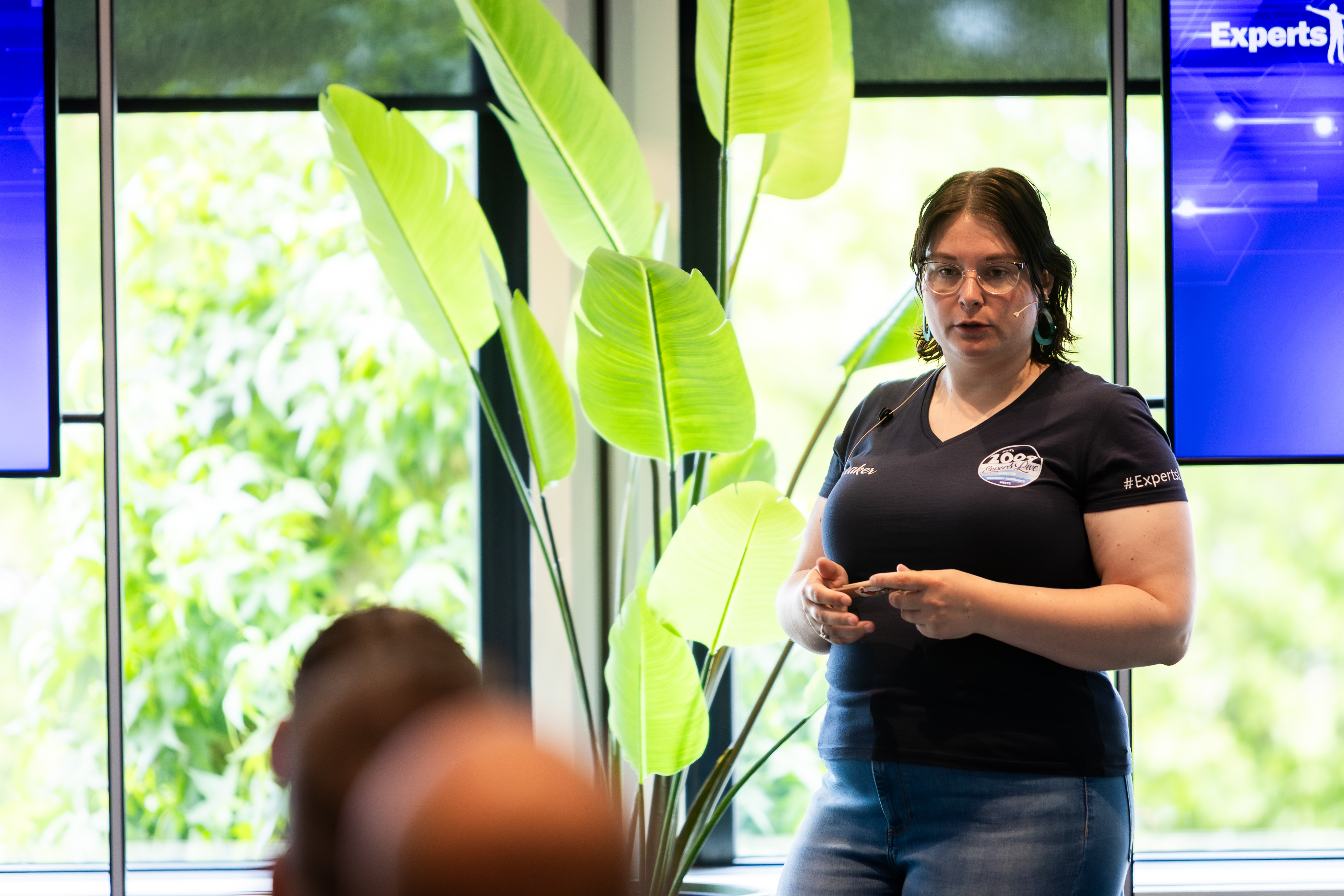
Edine Olijve is a Microsoft MVP, and Modern Work Consultant at InSpark, where she helps organisations get the most out of Microsoft 365. Her expertise lies in productivity tools like Copilot, Loop, and SharePoint, with a strong focus on governance and real-world adoption. She shares her knowledge through her blog , and is passionate about making tech more human, accessible, and inclusive.